➀
Vibe-coding Prototype
Using the Cursor as the main tool to create a prototype project.

Connect the document from shadcn/ui

Run the project on Azure Cloud.
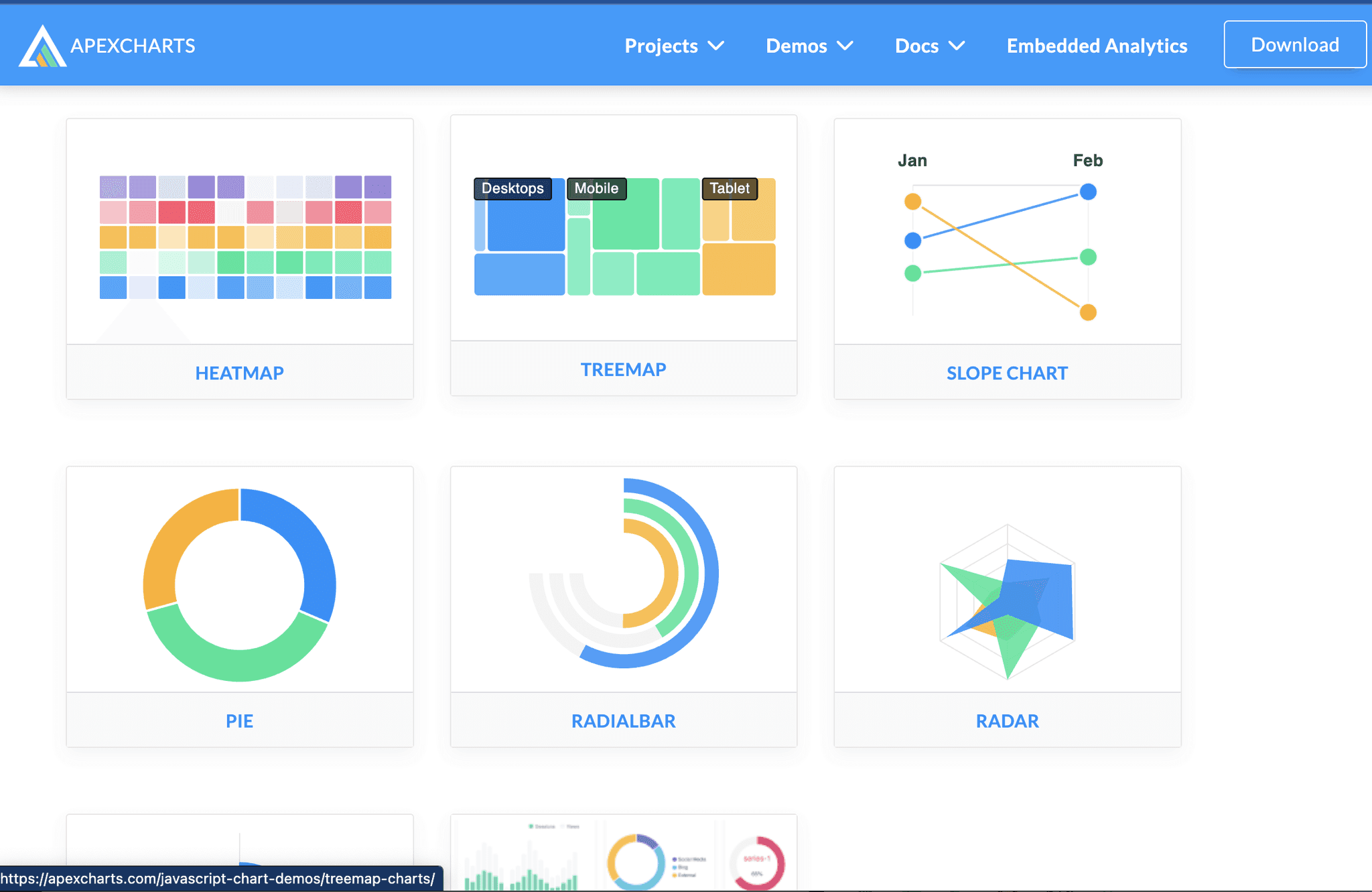
Intergrate open-source library
With open-source, I am able to create interactive charts and data as if it were a real functional product.
I also connected Shadcn/ui to Cursor to make sure the UI is visually consistent and easy to add and take away.
Edit synthetic data
Give the LLM some example data so it has context, then polish the results using Cursor’s edit feature.

Interative prorotype on cloud
Upload my prototype to Github and let my teammate use Docker to upload it to Azure.

➁
MCP
Model Context Protocol Experiment

Creating an integration webhook and linking it to my experimental page.
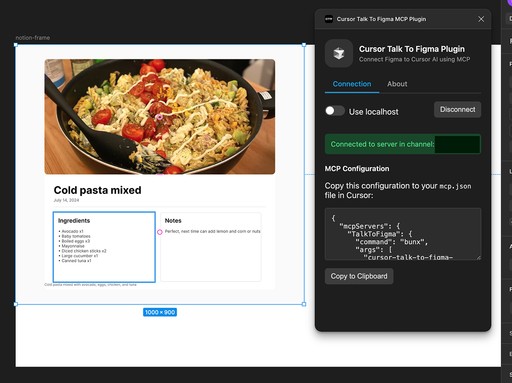
Using "TalkToFigma" MCP plugin to receive Notion data from the MCP server.
Using Cursor agent mode and Claude-3.7-Sonnet to run commands.
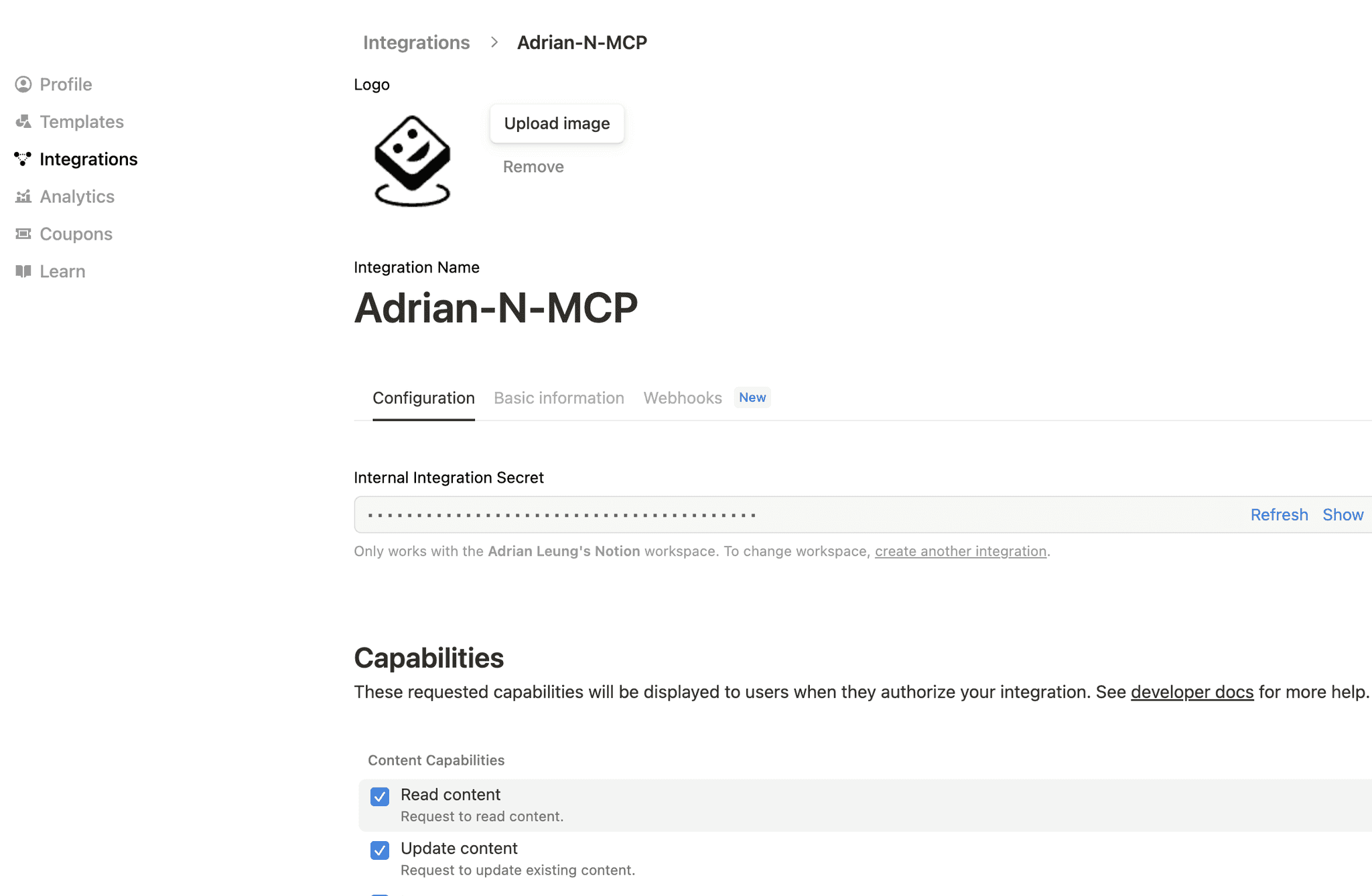
Create a Webhook on Notion
First, I created an integration on Notion. Then, allow the integration webhook to have access to my selected p
In this case I used "Recipes" page. I want to try if MCP can extract Notion data and translate data to Figma design.

Link MCP servers to Cursor
I connected "cursor-talk-to-figma-mcp" and "mcp-notion-server". The rest is vibe-coding.

Result
I used the "TalkToFigma" MCP plugin to receive Claude-3.7-Sonnet processed Notion data. Then, 3.7 Sonnet is able to run several Figma commands to translate the data to Figma UI.

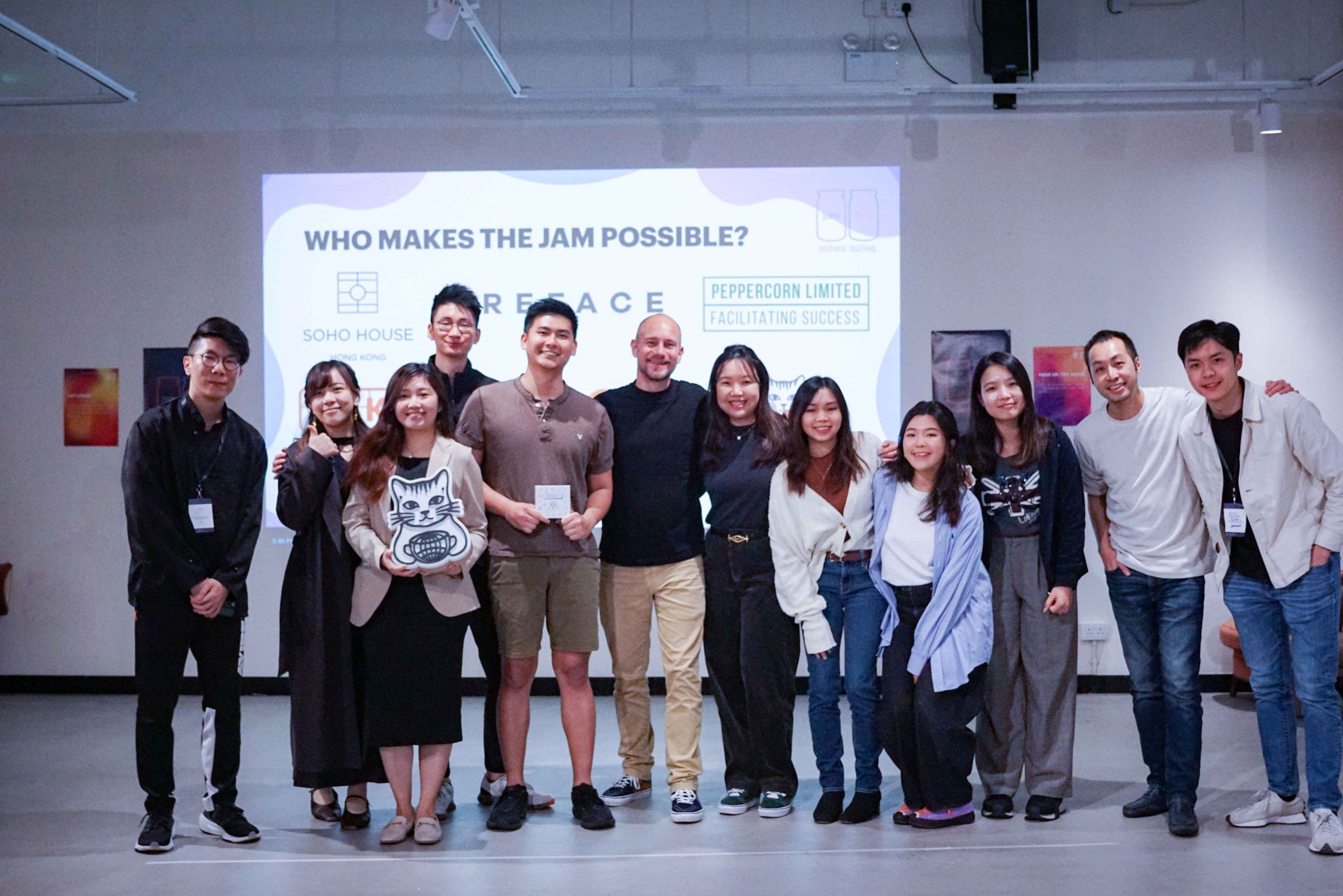
2025 Global Service Jam - Helper
48-hour 𝗱𝗲𝘀𝗶𝗴𝗻 𝗵𝗮𝗰𝗸𝗮𝘁𝗵𝗼𝗻 at Soho House Hong Kong, part of the Global Jams🚀
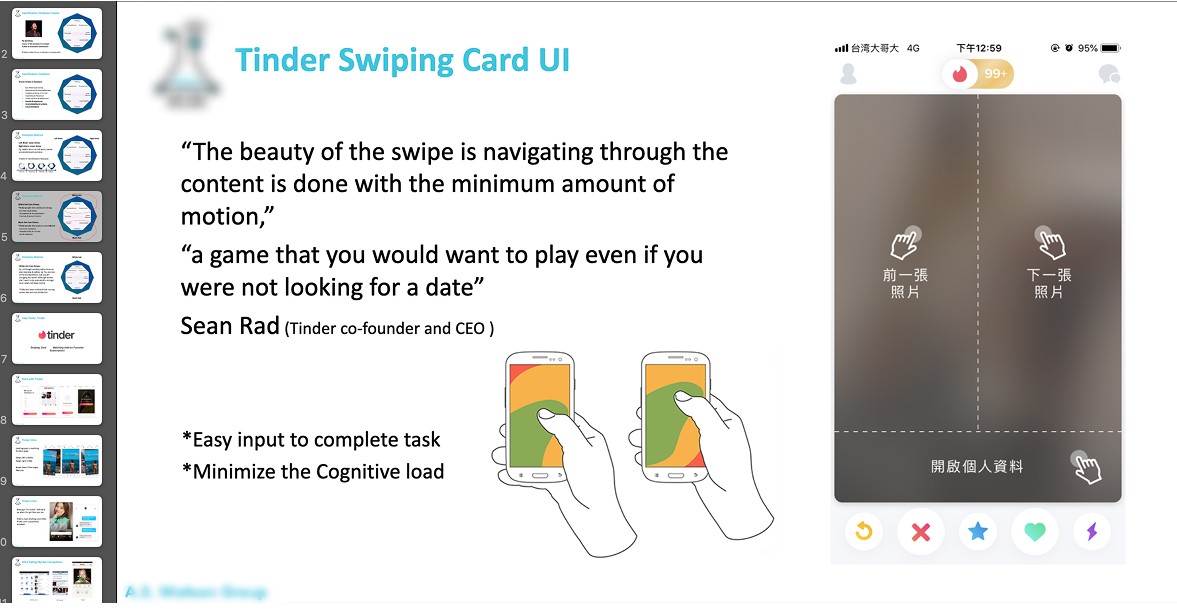
UX Sharing: Gamification Octalysis
Sharing a UX topic with teammates with use cases and data.
➃
Websites Designs
EduCloud
A one-pager website for an Africa Education Platform to drive conversions.

Pakman Labs
A website for an AI property management solution house in Hong Kong.
